

Find us
214 Hale Street Corner of 9th (555) 014 2290
Pairing 20 of 27
A black, cyan and yellow color palette: black #000000, light cyan #7DF9FF (Glitter Shower) and light yellow #FFD479 (Cantaloupe). Below are the hex, RGB and HSL values, the WCAG contrast ratio for each pair, and the palette on example websites.
Passes WCAG AA for normal text (4.5:1): #000000 and #7DF9FF (16.86:1), #000000 and #FFD479 (14.94:1). Does not pass: #7DF9FF and #FFD479 (1.12:1).
| Color | Hex | RGB | HSL | Best text on it |
|---|---|---|---|---|
| Black | #000000 | rgb(0 0 0) | hsl(0 0% 0%) | White, 21.00:1 |
| Glitter Shower | #7DF9FF | rgb(125 249 255) | hsl(183 100% 75%) | Black, 16.86:1 |
| Cantaloupe | #FFD479 | rgb(255 212 121) | hsl(41 100% 74%) | Black, 14.94:1 |
WCAG 2 contrast between each pair of colors. Normal text needs 4.5:1 for AA and 7:1 for AAA. Large text (18 pt, or 14 pt bold) and UI parts need 3:1 for AA.
| Pair | Ratio | AA text | AAA text | AA large | Use |
|---|---|---|---|---|---|
| Black and Glitter Shower | 16.86:1 | Pass | Pass | Pass | Body text |
| Black and Cantaloupe | 14.94:1 | Pass | Pass | Pass | Body text |
| Glitter Shower and Cantaloupe | 1.12:1 | Fail | Fail | Fail | Accents only |
The same three colors on made-up sites. The first color is the base, the second supports it in panels and photos, and the third is the accent. Switch the template with the arrows, turn the accent off, or swap the roles.
Strata
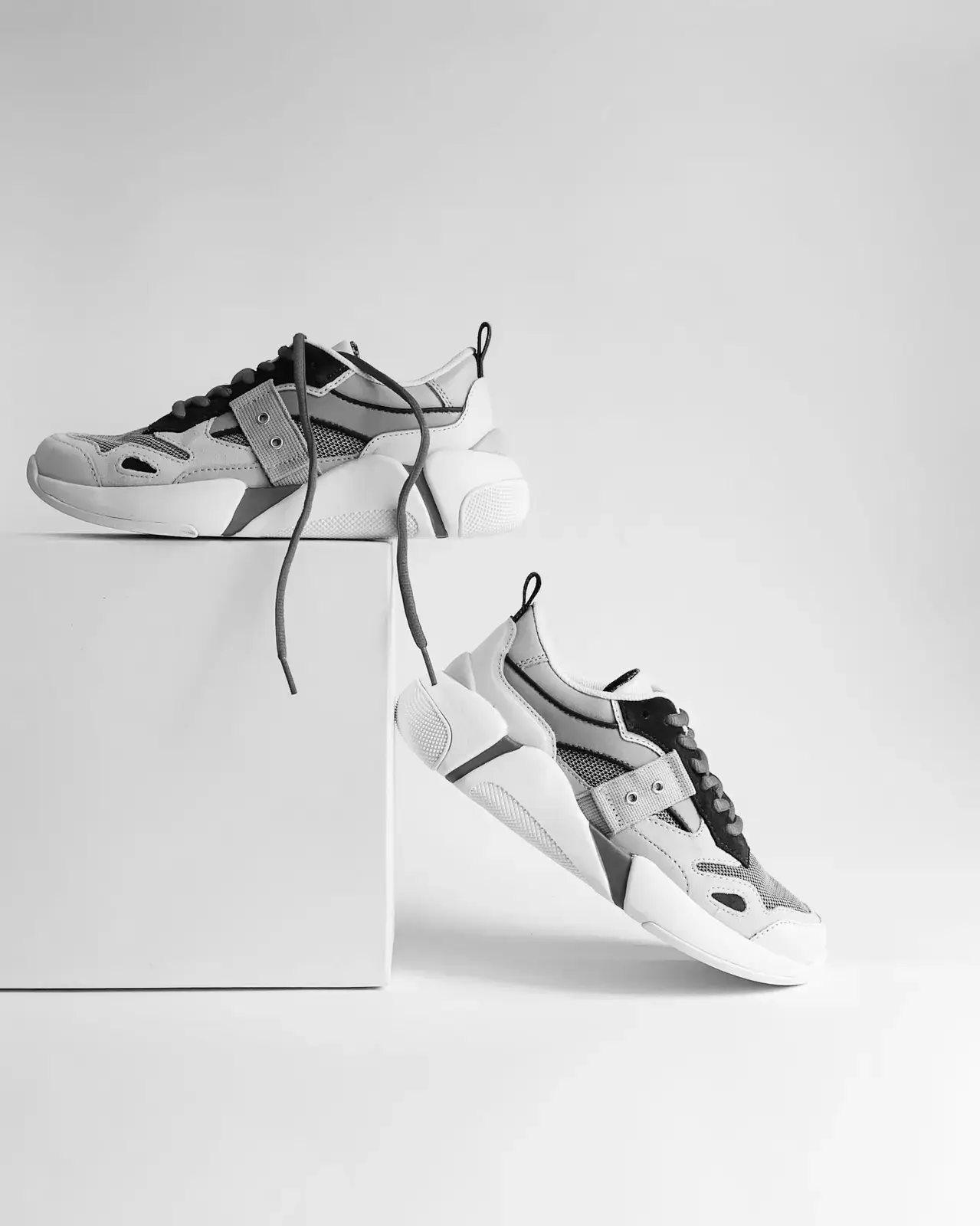
A trail shoe that walks into town and back out again.
$185Pre-orderShips March 14US 4 to 14
Made for the long way round
Two years of testing on wet rock, gravel and city curbs. Three numbers came out of it.
Heel stack
38mm
Enough foam for long descents. Low enough to feel the ground.
Lug depth
4mm
Bites into mud and loose stone, stays quiet on pavement.
Recycled upper
62%
Ripstop mesh spun from bottle yarn, bonded without glue.
“Wore them up a wet ridge and straight to dinner after. Not one slip, and nobody noticed the mud.”
Field tester, Bergen
Strata 01
ColorwayRidge
RidgeSlateFlareSizeUS men
789101112Add to bag$185Design studio of one. Identity, type and websites for people who make physical things.
Lisbon, PT / Since 2016
Booking two projects for spring 2027.
Book a callTeo Varga®
Selected work
[10] / 2016 to 2026Identity
Marks, type systems and the rules that keep them steady.
Type
Custom lettering and retail typefaces, drawn from scratch.
Websites
Designed and built by hand, small and fast.
Art direction
Shoots, packaging and print, start to press.
Got something to make?
teo@varga.studio
Drop 07: Night shift. Ten pieces for people who start work when the rest go home. Heavy loopback cotton, washed twice. One run of each size. No restock, no waitlist.
Night Shift
Night shiftDrop 07Fri 13.11 22:00No restockNight shiftDrop 07Fri 13.11 22:00No restockNight shiftDrop 07Fri 13.11 22:00No restock
The pieces
10 pieces / 4 shownAll piecesLamp scarf
Printed silk$56
Porter jacket
Waxed canvas$264
Graveyard hoodie
Loopback cotton$148
Late tee
Washed black$68
BarVesper
Natural wine and small plates at a long zinc counter. Walk in for the bar, book for a table.
Reserve a tableFind us
214 Hale Street Corner of 9th (555) 014 2290
Hours
Tue–Thu 5pm–11pm Fri–Sat 5pm–1am Sun 4pm–10pm
Walk-ins welcome at the barKitchen closes an hour before we doCorkage $20
“The kind of room you plan to leave at nine and leave at midnight.”
The Evening Ledger, review, March 2026
Bar Vesper
Hours
MonClosedTue–Thu5pm–11pmFri–Sat5pm–1amSun4pm–10pm
Visit
214 Hale Street
Corner of 9th
(555) 014 2290
hello@barvesper.test
© 2026 Bar VesperInstagramPrivate hire
7th editionThree days, two stages
12/14
Jul2027
Hangar 4, Port DistrictLisbonDoors 16:00
MothwingSaint Cinder
Half Acre / Okra Bloom / Dead Reckoner
Lumen Twins · Juno Park · Kassia Vale · Ninefold · Rue Mercer · The Low Hours · Glass Harbour · Dima Sol
Program
Set times may move. Check the app on the day.Tickets
Prices include fees. No resale above face value.Day pass
€49
One day, both stages
Entry from 16:00Pick Fri, Sat or SunRe-entry until 22:00Buy day passWeekend
€89
Three days, both stages
Entry all three daysWristband by postFree ferry from the quayBuy weekendWeekend + bunk
€139
Three nights in the dock dorms
Everything in WeekendBunk in a shared cabinLockers and showersBuy weekend + bunkStatic Field
12-14.07.2027
VenueHangar 4
Rua do Cais 40
Lisbon
FollowNewsletter
Instagram
Radio
InfoAccessibility
Press
Volunteer
© 2027 Static FieldAll ages until 22:00